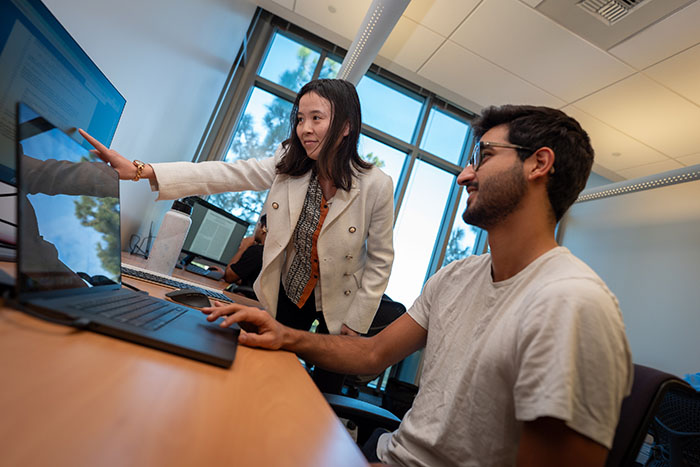
The AR technology seems like something out of a movie that we are years away from being able to achieve but these tools are already being used in some classrooms around the world. Here are some ideas on how to implement them and a short demonstration of how in can be used in a chemistry class:
Thursday, December 4, 2025
VR & AR to Build Meaningful Global Collaboration
The AR technology seems like something out of a movie that we are years away from being able to achieve but these tools are already being used in some classrooms around the world. Here are some ideas on how to implement them and a short demonstration of how in can be used in a chemistry class:
Wednesday, December 3, 2025
Exploring WE Teachers
Browsing the site, what immediately stood out to me was that WE Teachers is a free program for educators nationwide: a kind of “teacher-toolkit” that offers professional development on trauma-informed practices. They offer learning modules, courses, workshops, resources, lesson plans, and a video library.
Tuesday, November 25, 2025
How Technology Can Make My Classroom Better
This week I had the chance to learn about using technology in the classroom. It was very exciting because I can see how it can make learning more fun and helpful for students. I learned about different tools that can help students work together and show what they know. These tools can include things like videos, online quizzes, or digital posters.
One thing that I found very valuable was learning how to use technology to connect lessons to real world problems. For example, students can create projects that help their community or solve a problem they care about. This is exciting because it makes learning meaningful and shows students that what they do matters. It also helps students practice important skills like thinking critically and solving problems.
I also learned that technology can help all students participate. Some students may find it easier to explain their ideas using a video, presentation, or other digital project. This is valuable because I want my classroom to be a place where every student can succeed and feel included. Technology can help students show their strengths in different ways.
Reflecting on this experience, I feel more ready to try new tools in my future classroom. I want to make learning fun, helpful, and meaningful. I also want to help students grow their skills and make a positive difference in their world. This experience showed me that using technology the right way can make teaching and learning much better. I am excited to explore more tools and strategies that will help me support all my future students.
Monday, November 24, 2025
My Experience Exploring the “WE Are Innovators” Campaign
The first screenshot I took was the cover page from the campaign guide. It basically introduces the whole idea of becoming an “innovator” and creating solutions for real social issues. Honestly, I didn’t expect it to look so official. It felt like one of those flyers schools hand out when they want you to join a club.
en at Stockton, I see people using apps or AI tools for everything now. It made sense why the site keeps pushing innovation and problem-solving.
The last screenshot I took was the Ways to Take Action page. This one was actually interesting in a practical way. It gave ideas for projects that students can do, like designing products from recycled materials or planning something with your classmates. It reminded me of a group project I did in 10th grade where we had to reuse old plastic bottles to make planters. It wasn’t some crazy big innovation, but it was the first time I realized you can take small ideas and turn them into something useful.
What I liked about this campaign is that it doesn’t just say “go volunteer” or “think positive.” It shows actual steps students can take depending on their grade level. Even though I’m in college now, it still made sense to me because a lot of these ideas could work in real classrooms. If I ever had my own future class, I would probably use the “recycling into new materials” idea since it gives students something hands-on instead of another boring worksheet.
Overall, exploring the WE site wasn’t as bad as I thought. The Innovators guide was probably the most useful part, and the screenshots I grabbed helped me understand how they structure the activities. It’s pretty straightforward and focused on real problems, which is something I appreciate.
Saturday, November 22, 2025
7 Accessibility Tools to Include in Your Classroom
As teachers, we are always looking for ways to make our classrooms more accessible for the different needs of our students. Here are 7 tools you may not have known about that can help!
1. Built-in Device Accessibility Tools
Most devices have tools already built into them. Familiarize yourself with the accessibility menu of the devices your students handle before you add anything else. Apple, Windows, and Chrome all have a screen reader, zooming, and dictation tools and a dark / high contrast mode option already built-in.
A free browser extension that removes adds, pop-ups, and clutter from websites to create a distraction-free reading experience. Great for students with ADHD or low vision needs.
3. Grammarly
An AI tool that helps students with revision and clarity in their writing. It offers real-time feedback and suggestions across different platforms. This tool helps tackle barriers with written communication, and supports learning challenges and language processing differences.
4. Visual Timers
Whether physical or digital, visual timers improve accessibility by providing a tangible, non-verbal way to track time. This simple tool can benefit students with hearing impairments, low vision, autism, and ADHD.
5. OpenDyslexic
A free tool that provides different letter spacing and unique downloadable fonts to help prevent common dyslexia issues.
6. Captions
Live captions are a great tool for students with hearing needs. Platforms like YouTube, Google slides / PowerPoint, and Zoom provide students with auto-generated subtitles to anything they are trying to listen to.
7. HelperBird
Last but definitely not least, this is an extension that encompasses most of the things listed above, allowing you to provide accessibility to students with different needs with only one tool. HelperBird offers features like text-to-speech, reading mode, reading rulers, customizable fonts and colors, word prediction, voice typing, and grammar support which can help students with learning differences, dyslexia, and ADHD.
Hope these are useful! thanks for reading!
Monday, November 10, 2025
Poetry Hyperdoc
Why HyperDocs Make Lessons More Fun and Engaging
This week I explored HyperDocs, and now I get why teachers love them. A HyperDoc isn’t just a Google Doc with links, it’s a full interactive lesson where students learn by doing, not just listening. It can be made on Google Docs, Slides, or even Google Maps, and it lets students explore videos, readings, and class activities all in one place.
What makes HyperDocs great is how engaging they are. Instead of just sitting through a lecture, students can click through links, answer on Padlet, or post on a class Doc. It gives everyone a voice and makes the lesson feel more personal and fun. I liked the idea that it replaces “teacher in front, worksheet on desk” with something more creative and hands-on.
If I ever made my own, I’d probably use Google Slides because it keeps things visual and easy to follow. I’d also add an interactive activity at the end, like a Padlet reflection, to get everyone sharing their ideas.
Sunday, November 2, 2025
My Virtual Field Trip to London, UK
My favourite spot was Big Ben. The view around the clock tower and the river looked amazing. I also liked seeing Buckingham Palace and the area around it. It really gave me that royal London vibe.
Overall, this virtual trip was a fun way to explore London. Even though it was online, it still felt like a real travel experience. I got to see some of the city’s most famous spots and learn a little about its history and culture.
Visit London 360° Virtual Tour
Monday, October 13, 2025
AI Use and Future
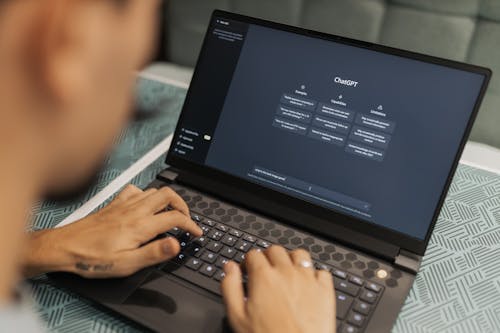
As a current teacher candidate, I've been able to witness the quick integration of AI in the classroom first hand. In this post i'd like to share my personal experience using AI tools, how I see them impacting education, and what developments I think we will see in the future.
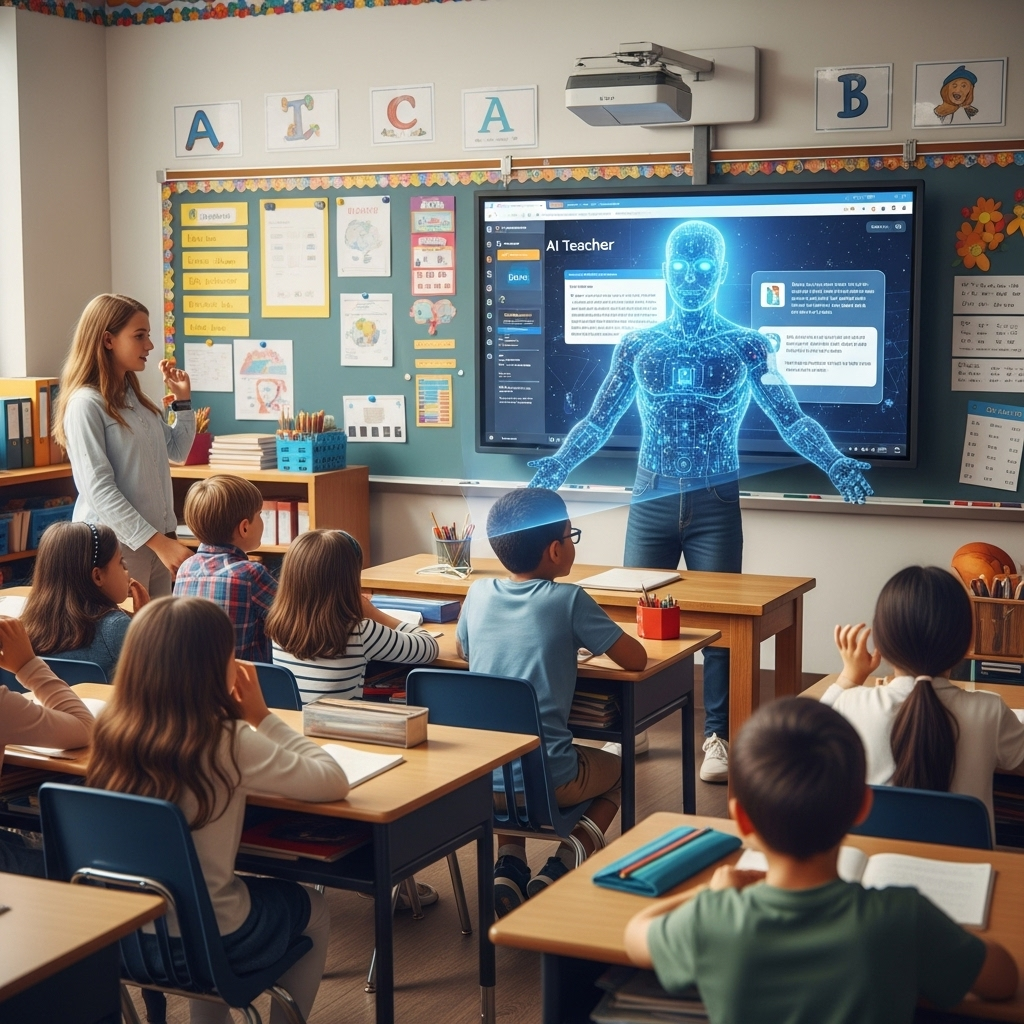
Looking beyond my own use, I see great potential for AI to support students, educators, and schools. For students, AI offers personalized tutoring, instant feedback, and accommodations. For educators, it can reduce workload, and provide real-time data to guide instruction. Schools could use AI for curriculum design or student data analysis. This is why I believe that AI will continue to become even more embedded in educational systems in the future.
Sunday, October 12, 2025
AI in My Learning Life
It should make learning easier but still let people think for themselves. I think that balance is what will make education better, not just faster.
Saturday, October 11, 2025
AI Use & The Future

AI can help students learn more effectively in the class by giving feedback on the work they've created. It can also help teachers with their job like aiding them while creating the curriculum and creating questions students can answer. But, everything has their pros and cons. For AI, students may become too reliant on the tools and not learn to have creative freedom and do things by themselves. The more we use AI, the more it learns and becomes better at the task. There will always be worries of AI taking over, but overusing it will not help things get better.
In the next five years, AI will most definitely be a part of the classroom and a tool for education. My guess is softwares like Google Classroom and Blackboard will integrate AI onto their platforms like a chatbot where you could ask it anything academically. For educators, AI can be used as a tool to help grade assignments and projects. In the future, challenging can occur like not knowing what is AI or not. Students might not be able to think critically with what they are given. The importance of asking questions if things are real or not must also be taught during this stage of AI.

In the future, I hope there will be a way where creative freedom and AI can work hand-in-hand in the classroom instead of taking over the human psyche. Responsible AI use in the future is a must for this tool to be ethically and morally right. This includes being transparent about AI usage and doing your own research. Overall, AI will keep growing as a helpful tool in education, but it is up to us to use it the right way so we don't become obsolete in the future.
Monday, September 22, 2025
Global Collaboration in Education
Because of the advancements in educational technology, students and educators are now able to collaborate beyond physical boundaries. The way education is delivered continues to evolve daily, opening up opportunities for students to engage in international dialogue and work together in new ways. Global collaboration brings exciting possibilities to the field of education and in this post i'd like to share what I believe are the best technology tools to facilitate it.
1. Google Workspace
A suite of cloud-based tools that include Gmail, Google Drive, Google Meet, Google Classroom, and more. These tools allow for real-time collaboration on documents, presentations, and spreadsheets, making it easy for students and teachers to work together.
2. Padlet
An online collaborative board that allows students and educators to post notes, images, links, and videos on a shared wall. It’s like a virtual bulletin board.
3. EdPuzzle
An educational tool that allows teachers to create interactive video lessons. It enhances the learning experience by enabling educators to add elements like quizzes, notes, and audio commentary directly into videos.
4. Epic!
A digital reading platform designed to provide children with access to a variety of educational content in both book and audiobook form, engage kids in reading and encourage a love of books through a fun, interactive, and personalized experience.
5. Gramarly
An AI-powered writing assistant that helps students and educators improve their writing by detecting and correcting grammar, spelling, punctuation, clarity, tone, and style issues.
Using AI for Global Collaboration in Education
Since the pandemic, digital collaboration has become more important than ever. It helped people stay connected while social distancing, allowed experts to share important information quickly, and helped people understand each other better. When students practice these skills, they not only become better communicators but also leaders who understand and respect people from different backgrounds.
A great way to promote this is by using projects that connect students from different cultures. Tools like Empatico make it easier for classrooms to connect based on age, schedule, and interests. For example, a teacher might link their class with one in another country. Soon, students are sharing their experiences and learning from each other. One teacher, Anna Crawford, talked about how her students connected with a class in Mexico. What started as nervous camera interactions turned into students teaching each other Fortnite dances and discussing similar issues in their communities, like homelessness and hunger.
Another important part of the Global Collaborator standard is using technology to learn from experts. Platforms like Flipgrid help students connect with guest speakers and other classrooms from around the world. A project called the #GoalsProject asked students to discuss United Nations Sustainable Development Goals and then work together on projects about issues like climate change and gender equality.
As students get more comfortable with global collaboration, they can tackle bigger challenges, like learning about global problems and finding ways to help solve them. The #TeachSDGs Movement encourages teachers to help students learn about these global goals and act on issues like hunger and climate change.
In short, using AI and technology to connect with others around the world isn’t just about learning new things, it’s about becoming part of a bigger community, gaining new perspectives, and making a positive difference in the world.
Source:
Thursday, September 18, 2025
AI for Elective Teachers: Creating an AI Expert Guessing Game
Artificial Intelligence in Education is much more than a tool for lazy students to plagiarize their assignments. Believe it or not, AI can actually be very helpful in the classroom, especially to teachers. From grammar checks to fun projects, If used wisely, AI can be the tool you need to bring your lessons to the next level!
In project 1 from “Hands-on AI Projects for the Classroom: A Guide for Elective Teachers” students from 4-12 grade think about how experts classify large sets of data and use that information to make decisions to solve real-world problems (Black & Brooks-Young, p.12). The students begin by working in small groups to organize a set of data, considering different types of data representation and how AI can use decision trees to classify data. Then they think about real-world problems that AI could solve with classification algorithms. Next, they develop their own decision tree to classify content from their class. Finally, they reflect on their learning and consider the impact of using AI for classification.
This project could be used in any subject area, at any point in the school year. It is a great way to spark the students’ interest and get them involved in their learning. The decision trees they make can be a way to study for their assessments, a review, or they can also be used as the assessment itself. AI tools like this can bring a multitude of possibilities to any classroom!
Monday, September 15, 2025
Learning about AI in the Elementary Classroom: A Hands-On Project
September 15, 2025
Interactive exercises help make artificial intelligence (AI) much easier to understand. In Project 2: Training Data and Machine Learning from Hands-On AI Projects for the Classroom: A Guide for Elementary Teachers, students in grades K–5 explore AI concepts using picture cards to organize and sort data (Black & Brooks-Young, 2020, p. 20). Students can use the cards to demonstrate how AI "learns" from datasets, giving concepts like data and algorithms a more real and approachable form.
Learning important terms like algorithm, bias, and dataset is the first step in the project (pp. 20–21). Next, in order to mimic how AI organizes information, students group picture cards into categories and subcategories. They then make sure that all cases are included and that everything that doesn't belong is eliminated in order to check for bias (pp. 24–25). In order to illustrate how AI systems learn from organized information, students lastly develop rules for adding new data. These tasks teach fundamental AI ideas while developing problem-solving, critical thinking, and teamwork abilities.
This experiment shows that AI may be applied across subjects and understood at an elementary level. Google's Quick, Draw! is used in Activity 2 to demonstrate how AI can identify patterns, offering a real-world illustration of machine learning in action (p. 24).In addition, students understand the value of data organization and verifiying skills that extend beyond AI courses. All things considered, the project develops cognitive thinking and reasoning abilities while providing an interesting, practical introduction to AI.
Teaching in the Tech Era
Technology is everywhere, and over the years it has integrated itself into the education system. For some of us—especially at the college level—this wasn’t anything new. But when COVID hit, many teachers and students had a huge wake-up call. Practically overnight, schools shifted from face-to-face classes to fully online learning. Technology has completely changed how we learn today.
In Edtech for the K-12 Classroom (Second Edition, Chapter 1, Article 1), sixth-grade English teacher Laurie Guyon shared her experience of using technology for the first time. She admitted she had never touched the device before but quickly realized its potential:
“I kind of fell in love with it,” she said. “From the first moment we did something on the iPad, I saw a higher level of engagement from students. There was a deeper learning that I started to see happen. I felt like it opened up more of the world and allowed some opportunities I would never have tried in the classroom.” (Krueger, pp. 2–4)
Her story shows what many educators have discovered—technology can spark deeper engagement and create opportunities that might not otherwise exist. At the same time, learning alongside technology comes with its fair share of challenges. The good news? With the right mindset, teaching with technology doesn’t have to feel overwhelming. In fact, it can open doors to creativity, collaboration, and meaningful learning experiences. Here are a few tips to make the most of it.
Embracing Technology Together
Technology is always changing, with new tools popping up every day. Sometimes it feels overwhelming—like it might be easier to stick with what we already know. And that’s okay! In fact, it can be the perfect chance to learn alongside our students. When students get the opportunity to take the lead in their learning, they often become more motivated and engaged.
Break It Down
One great approach is to break lessons into small chunks. Try using mini-lessons followed by a quick quiz or even just a couple of multiple-choice questions. This helps students process new information while it’s still fresh. Learning in short bursts keeps things interactive and allows for quick check-ins before moving on. Think of it like learning in “micro-sessions” rather than trying to absorb everything in one long stretch.
Make Learning Connections
Schoolwork can sometimes feel repetitive, but making connections to real-life situations keeps it interesting. For example, one teacher shared a story about using a nonfunctional robot in class. Students worked on fixing its system until it finally worked. The same idea applies to writing: a rough draft is like the broken robot, and editing is the process of fine-tuning until it’s ready to go. When students see learning in action, it becomes more meaningful—and fun.
Final Thoughts
These are just a few simple tips to help educators and students make the most of online learning. Technology isn’t slowing down anytime soon, and it’s changing the way we all learn. As educators, the best thing we can do is stay flexible and open to growth. And the good news? We don’t have to do it alone—we’re all lifelong learners, learning together.
Saturday, September 13, 2025
Adventures in Authentic Learning
In the modern education is important to point out that what matters more in a classrooms are the ability of being more open of new ways of teaching. It's important that learning is alive, messy and meaningful and as a core being able to understand and have a purpose.
One way that teachers can incorporate an affective teaching method that not only challenges the student but also makes them corporate with other students and test their knowledge, is by giving them projects that help them understand what they had learned throughout each lesson.
- “Grab your students’ attention with a video, experiment, or other engaging content” (Harrington 3). This method of engagement can provide different ways for students to learn. For example a student might be a visual learner and would need a video to help explain certain concepts. This not only makes it more engaging but promotes students to want to learn more.
- "This is a. good time to use videos, articles, textbook content, and class discussions mini-lessons" (Harrington 4). The point that the author is that incorporating this kind of ideas to students while they are continuing to understand more of about the different aspects of the lesson they are learning this would ensure that students will be able to understand the content much better and the topic can resonate with them much easier when they understand what they are learning.
"Once you being to adapt your lessons to incorporate projects throughout your unit, you will be surprised at how quickly this becomes second nature to you" (Harrington 4). The methods used in this examples elaborate the ideas of having more engaging and informative lessons of students to understand the content better by adding the ideas of different methods of teaching such as videos, projects and other engaging material can help develop the mindsets of students to not only created a better learning environment but most important to foster the idea of fully understanding the various forms of teaching in modern classrooms.
Friday, September 12, 2025
The Importance of Teaching AI in K-5 Classes
Many students today are growing up in a technology-based environment where AI is very prevalent. Google Gemini, Apple Intelligence, Meta AI, Alexa+, and Microsoft Copilot just to name a few. But, few students realize the effect of AI in their lives and how it works. That's why it's important to help students understand AI at a young age.
- "AI does some things very well, such as image/speech recognition, but other tasks like discerning emotions or making ethical decisions are currently done better by humans" (A Guide for Elementary Teachers, 6).
- "AI robots are able to interact with the environment around them because they have sensors that mimic animal senses" (A Guide for Elementary Teachers, 6).
- "AI navigation systems are trained to analyze different ways to get from one place to another and make independent decisions regarding the shortest or fastest route to a destination" (A Guide for Elementary Teachers, 6).
- "There are basic best practices for data collection for machine learning, including how data are gathered, classified, and organized using rules" (A Guide for Elementary Teachers, 6).
7 Essential Accessibility Tools Every Student Should Know
Accessibility tools aren’t designed just for students diagnosed with disabilities; they are for anyone who wants to improve their learning c...
-
As a current teacher candidate, I've been able to witness the quick integration of AI in the classroom first hand. In this post i'...
-
It is an experience that evokes strong emotions and offers a wealth of education, allowing me to virtually visit the 9/11 Tribute Cente...
-
September 15, 2025 Interactive exercises help make artificial intelligence (AI) much easier to understand. In Project 2: Training Data and...


.png)
.png)
.png)


.png)
.png)
.png)
.png)